The Spreadsheet Paradox
Teams love the flexibility and familiarity of spreadsheets for planning and tracking work, but static files quickly become outdated, require manual status updates, and lack the collaborative features needed for modern project management. This creates a frustrating gap between the tool people want to use and the functionality they actually need.
Beyond Static Sheets
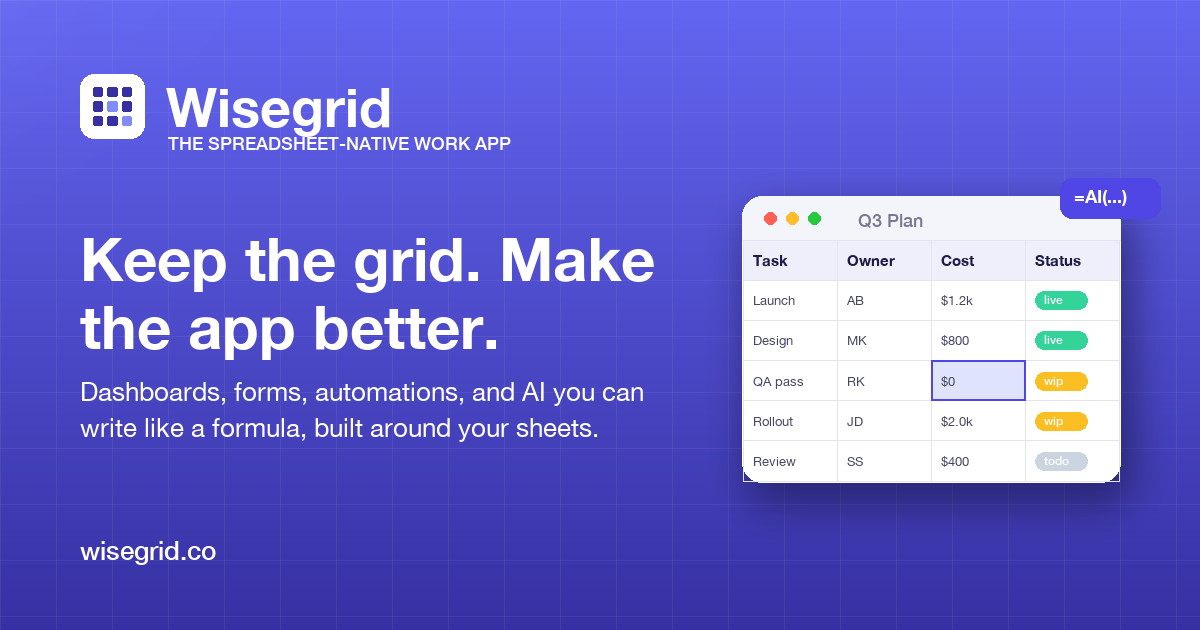
Wisegrid bridges this divide by transforming your existing spreadsheet workflows into dynamic, collaborative work management systems. Instead of forcing teams to learn entirely new platforms, Wisegrid enhances the spreadsheet interface they already know with real-time dashboards, automated rollups, and team collaboration features. The magic happens through live connections between the data your team edits in familiar rows and columns, and the visual dashboards that automatically update to reflect current status.
Key Features
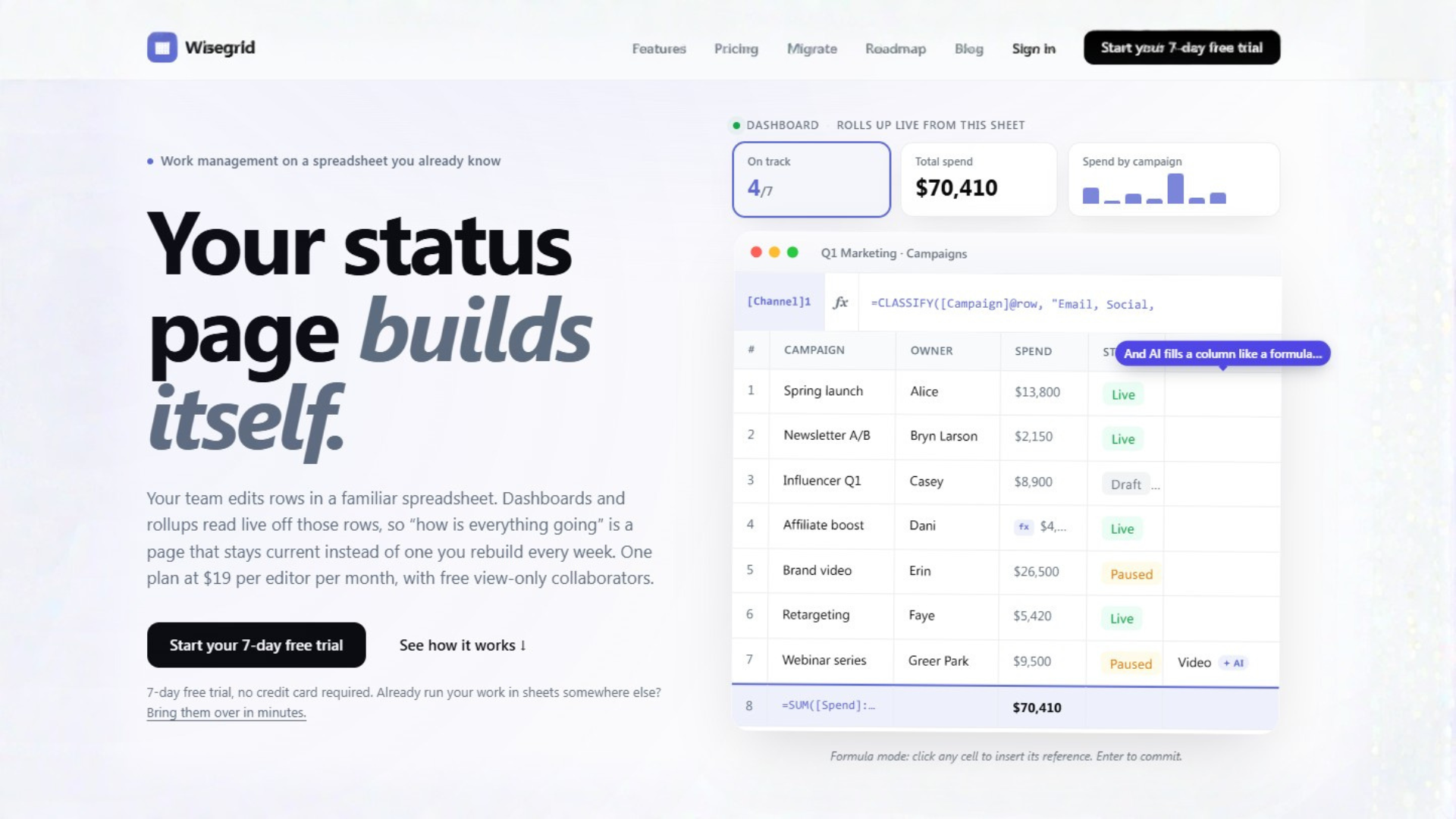
Live Dashboard Updates: Your team continues editing rows in the spreadsheet interface they're comfortable with, while connected dashboards and status pages automatically pull live data from those same cells. This eliminates the weekly status rebuild cycle and ensures everyone always sees current information.
Familiar Spreadsheet Interface: No learning curve required. Teams work in an environment that feels exactly like the spreadsheets they already use, complete with formulas, formatting, and the same keyboard shortcuts they're accustomed to.
Real-Time Collaboration: Multiple team members can work simultaneously on the same spreadsheet with changes reflected instantly across all connected views. Role-based permissions ensure editors can modify data while viewers can only access dashboards.
Automated Rollups and Summaries: Create executive summaries, project status dashboards, and team performance metrics that automatically update as underlying data changes. No more manual aggregation or copy-paste updates.
Customizable Templates: Start with pre-built templates for common workflows like project tracking, budget management, resource allocation, or OKR tracking, then customize to match your specific processes.
Visual Project Tracking: Gain at-a-glance visibility into project health with visual indicators, progress bars, and conditional formatting that automatically applies based on your data rules.
Task Assignment and Monitoring: Assign owners, set deadlines, and track completion percentages directly within your spreadsheet framework, with automated notifications and reminders.
Who Is This For?
Operations and Project Managers who need better visibility into team workloads but face resistance to adopting new project management tools. They can maintain their existing spreadsheet-based processes while gaining the dashboard and reporting capabilities they need.
Finance and Planning Teams who rely on spreadsheets for budgeting and forecasting but need to share live data with other departments. Wisegrid allows them to maintain control over financial models while providing real-time access to authorized stakeholders.
Cross-Functional Teams working on complex initiatives where different departments use different tools. Wisegrid serves as a universal interface that everyone can understand while connecting to existing workflows.
Startups and Small Businesses that have outgrown basic spreadsheets but aren't ready for complex enterprise project management systems. Wisegrid offers sophisticated functionality without the implementation overhead.
Under the Hood
Wisegrid operates on a straightforward pricing model: $19 per editor per month, with unlimited view-only collaborators included at no additional cost. The platform is web-based with mobile-responsive interfaces, ensuring accessibility from any device. Security features include role-based access controls, data encryption, and enterprise-grade infrastructure to protect sensitive business information.
Get Started
Getting started with Wisegrid requires no technical setup or data migration. Simply sign up for an account, choose a template or upload an existing spreadsheet, and begin inviting team members. The platform works with your existing spreadsheet structure, preserving all your formulas and formatting while adding collaborative and dashboard capabilities.
Transform Your Workflow
Wisegrid represents a pragmatic approach to work management evolution—enhancing what already works rather than replacing it entirely. By meeting teams where they already are (in spreadsheets) and adding the missing functionality they need (live dashboards and collaboration), it delivers immediate value without the friction of tool adoption.