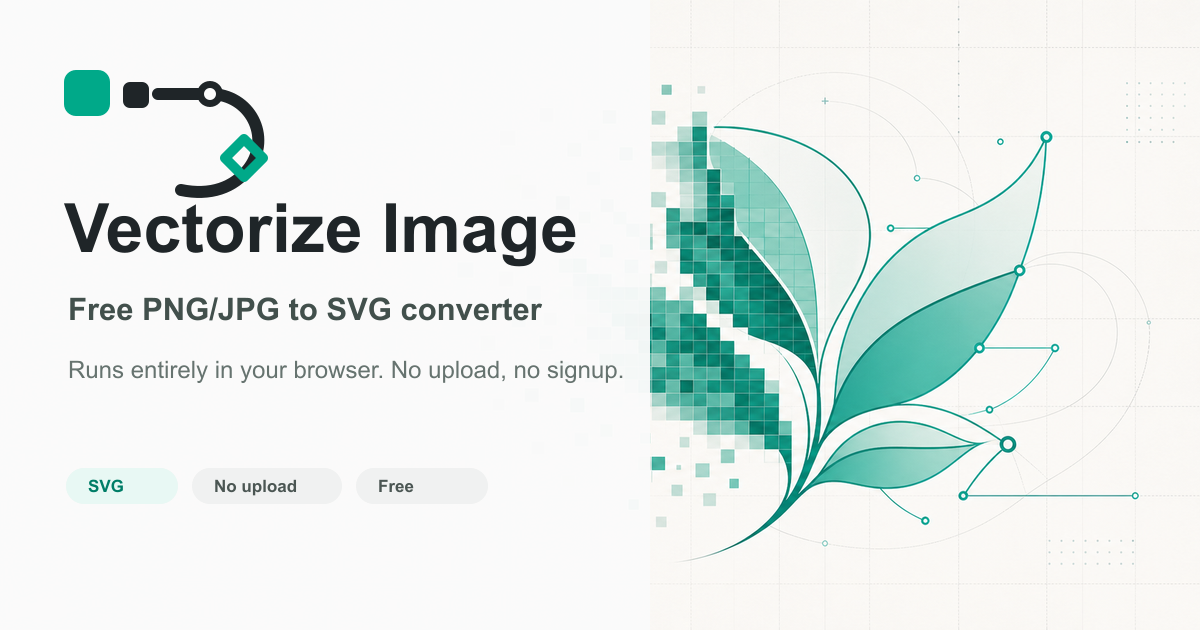
Every designer, developer, or creator has faced the frustration of raster images. That logo you need to scale for a billboard? That intricate icon that pixelates on high-resolution displays? That beautiful artwork trapped in a static PNG? These limitations stifle creativity and compromise professional results. Vectorize Image eliminates this fundamental workflow barrier by delivering browser-native vector conversion that respects both your time and your creative assets.
Vectorize Image is a completely client-side tool that transforms raster images (PNG, JPG, WebP) into clean, scalable SVG vectors entirely within your web browser. Unlike cloud-based converters that compromise your privacy and speed with uploads, this tool processes your images locally. The result is a mathematically precise vector path that can be scaled infinitely without quality loss, edited in any vector software, and integrated seamlessly into modern web and print workflows. It turns static assets into flexible, future-proof components.
Key Features
-
Fully Browser-Based Processing: Your images never leave your computer. All conversion happens locally using JavaScript and WebAssembly, ensuring maximum privacy, security, and speed by eliminating server upload/download latency.
-
Zero Account Requirements: Start converting instantly without any registration, sign-in, or email submission. This frictionless access is ideal for quick tasks and respects user privacy, making it a true utility-first tool.
-
No Watermarks on Output: Receive clean, production-ready SVG files without any branding, attribution layers, or hidden elements. The output belongs entirely to you for commercial or personal use without restrictions.
-
Support for Key Raster Formats: Accepts the most common web and design formats—PNG, JPG, and WebP—providing broad compatibility with assets exported from photo editors, screenshots, and web downloads.
-
Scalable Vector Output: Generates true SVG (Scalable Vector Graphics) files composed of paths and shapes, not pixels. This allows for infinite resolution independence, perfect for logos, icons, illustrations, and any asset that needs to scale across different media.
-
Simple Drag-and-Drop Interface: The minimalist interface focuses on the core task: drag your image, get your SVG. There are no complex settings to configure, making it accessible to non-technical users while remaining useful for professionals.
Who Is This For?
-
User Interface & Web Developers: Quickly convert icon assets, logos, and graphical elements into SVGs for direct implementation in code. SVGs offer smaller file sizes, CSS styling control, and perfect rendering on retina displays, streamlining the development of responsive, high-performance websites.
-
Graphic Designers & Illustrators: Transform scanned sketches, bitmap textures, or legacy raster artwork into editable vector paths. This provides a non-destructive starting point for refinement in Adobe Illustrator, Figma, or Affinity Designer, preserving the original artistic intent while unlocking vector editing capabilities.
-
Marketing & Content Teams: Create scalable brand assets for campaigns that span business cards, social media graphics, and large-format prints—all from a single source file. Ensures consistent, crisp visual quality across all touchpoints without managing multiple resolution-specific files.
-
Entrepreneurs & Small Business Owners: Professionally vectorize a hand-drawn logo concept or a sourced image to create a versatile brand identity system without the cost of commissioning a full vector illustration from scratch.
Under the Hood
The tool leverages modern web technologies to perform computationally intensive image tracing locally. By utilizing WebAssembly for core image processing algorithms, it achieves near-native performance for analyzing pixel data and calculating optimal vector paths. This client-side execution model is the key to its privacy promise and instant results, as it operates independently of external API limits or server queues.
Get Started
Using Vectorize Image requires no setup. Simply navigate to the website on any modern browser (Chrome, Firefox, Safari, Edge), drag your PNG, JPG, or WebP file onto the page, and download the resulting SVG file within seconds. The process is intuitive and immediate, with no tutorials or configuration needed.
Reclaim control over your digital assets. Transform static images into dynamic, scalable vectors in seconds, entirely on your own terms, and elevate the quality and flexibility of your visual projects.