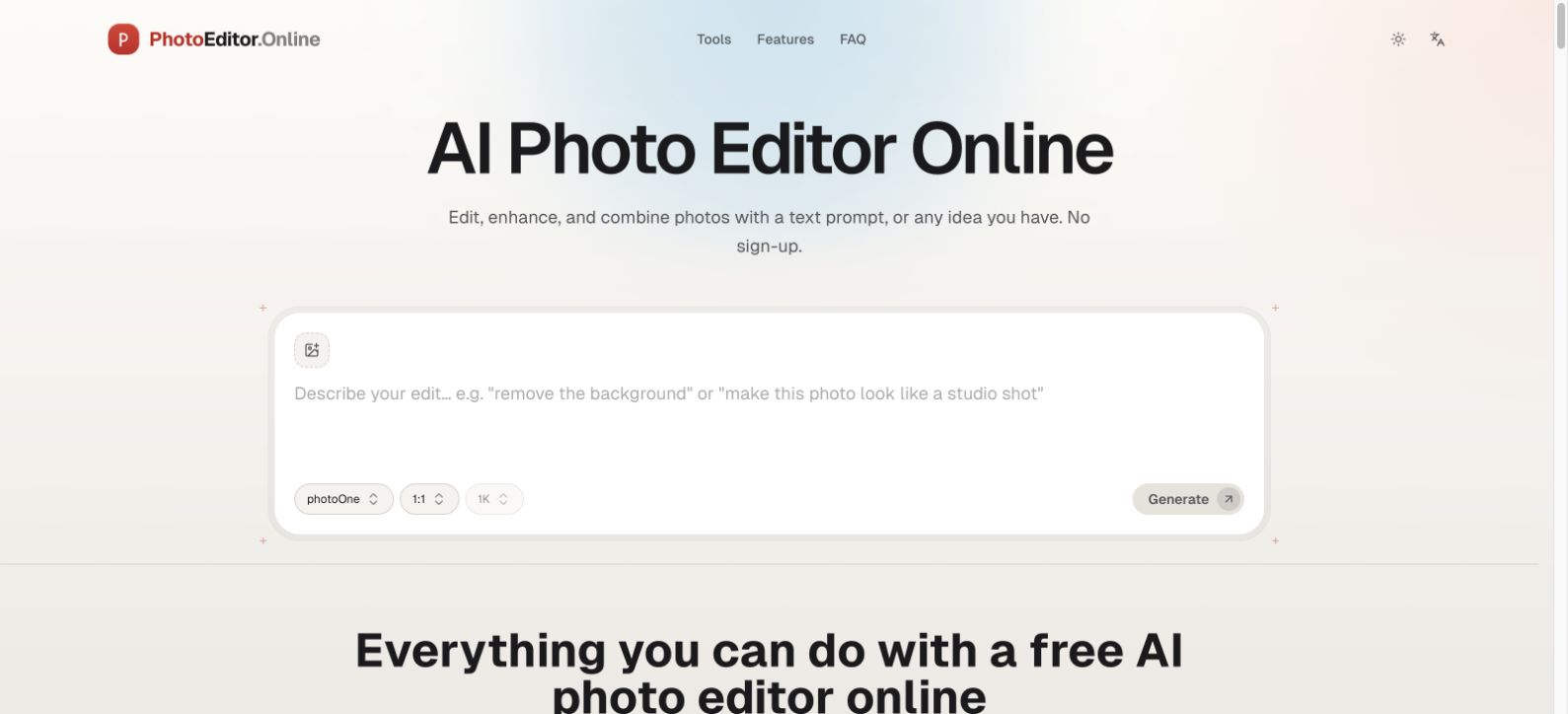

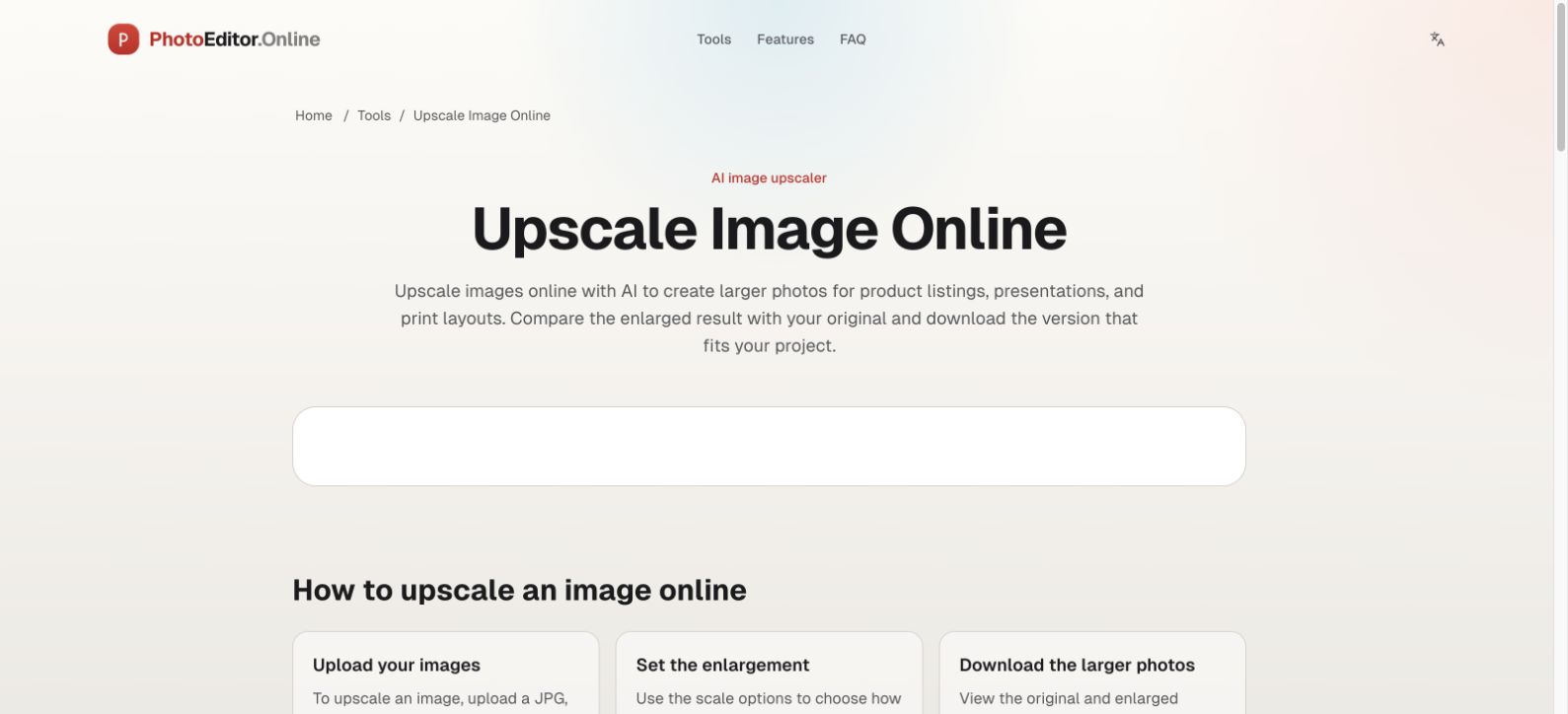
PhotoEditor.Online gives creators a quick path from a rough image to something ready to share. Type a plain-language instruction to change a background, remove a distracting object, adjust lighting, colorize an old photo, or revise text inside an image. Dedicated AI workspaces also cover background removal and 2× upscaling.
For routine edits, the site offers a separate collection of browser tools: crop, resize, compress, convert, rotate, watermark, and more. These everyday operations run locally in the browser, so you can make a small adjustment without installing software or uploading that file. AI edits are different: selected images are sent to model providers for processing.
This mix is useful for e-commerce sellers preparing product photos, marketers adapting campaign images, students making visual material, and anyone who needs a fast edit. The browser tools are free to start. The focused AI tools have limited daily free use; additional AI processing may require an account and credits, with the allowance shown in each workspace.