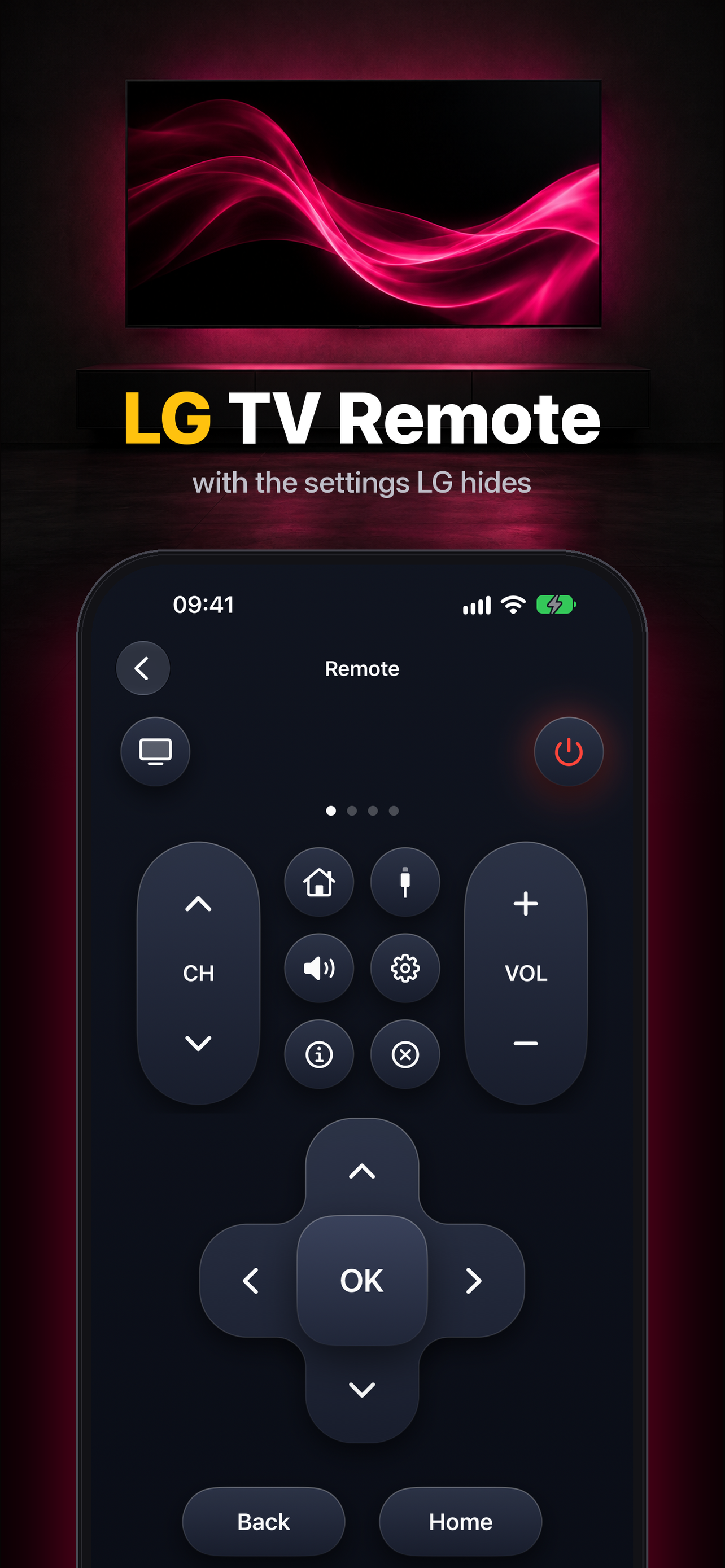
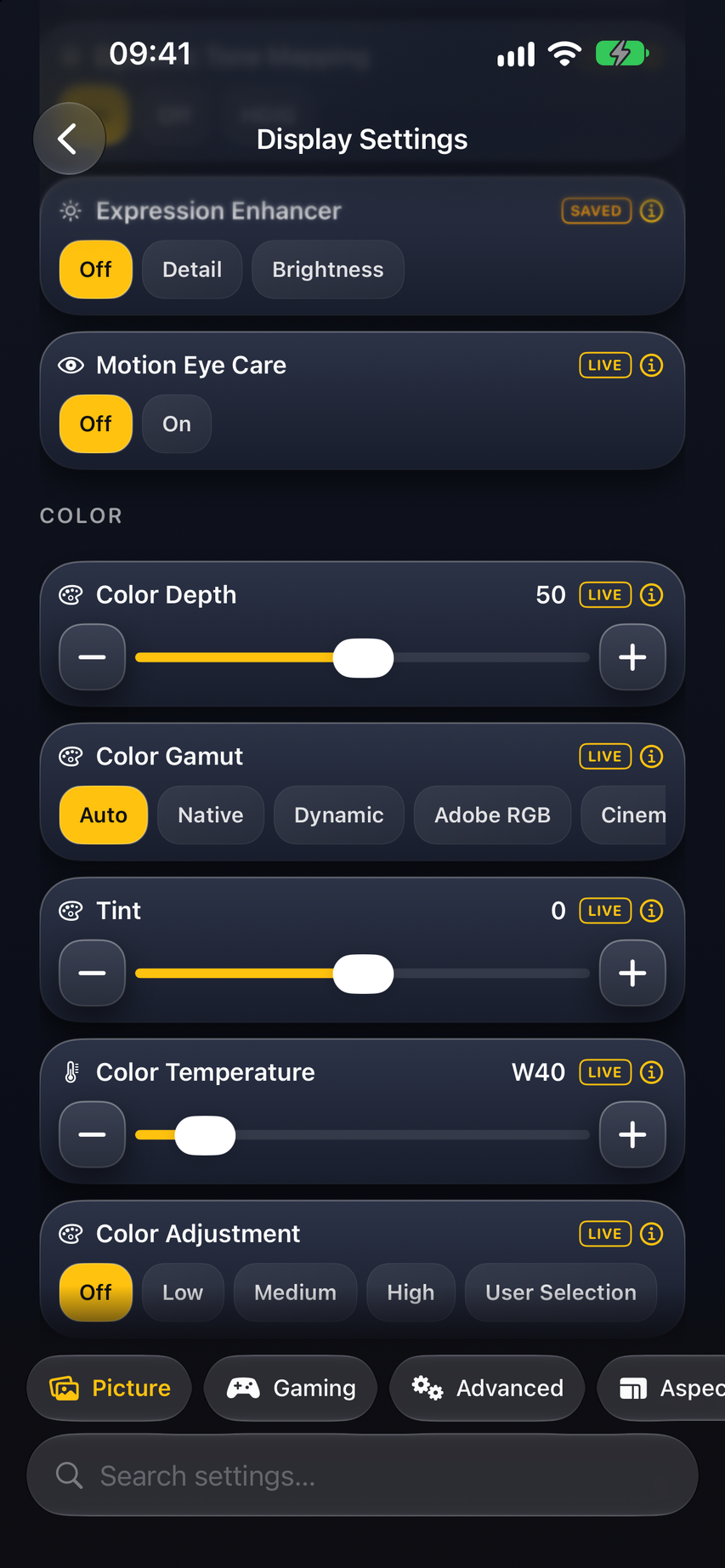
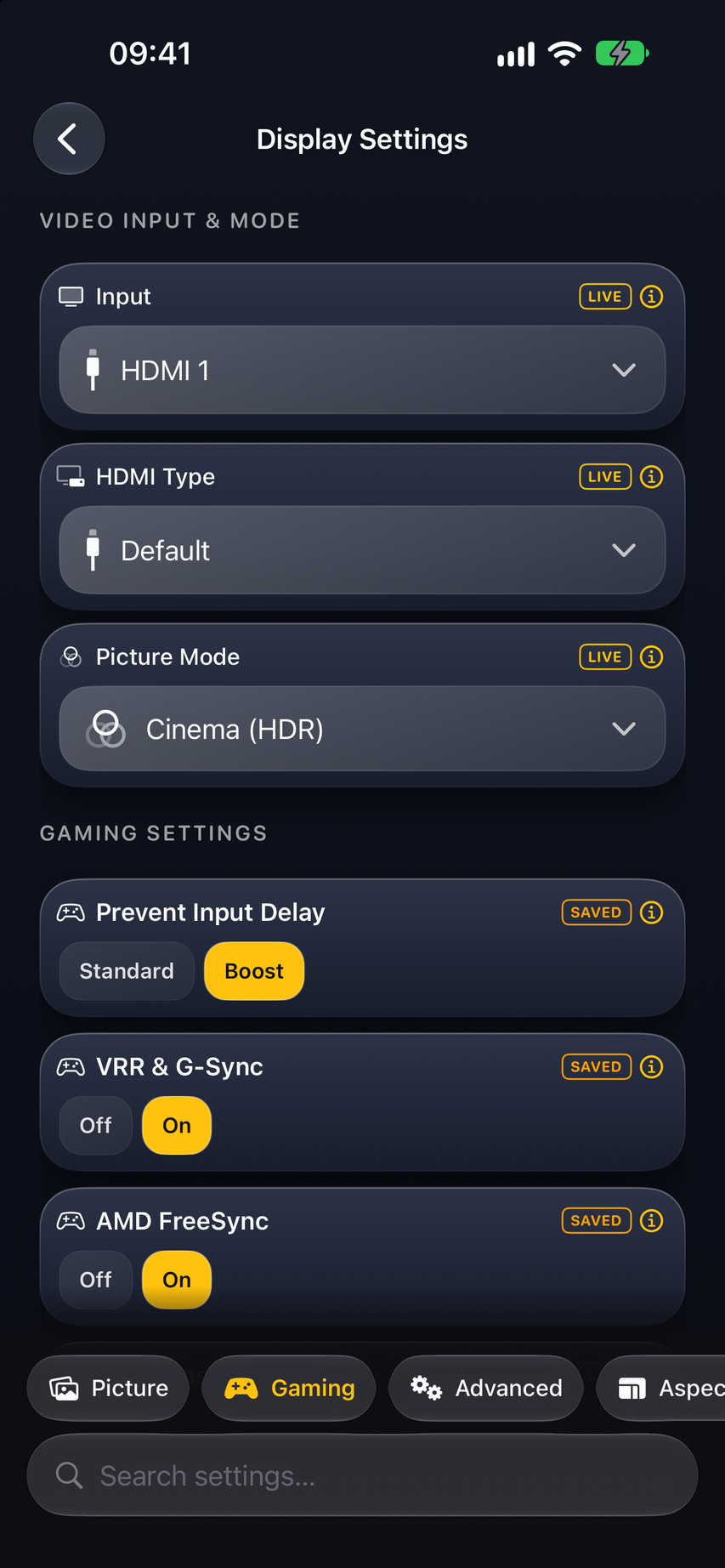
OLED Control turns your iPhone, Android phone, Mac or Windows PC into a remote and settings toolkit for LG OLED TVs. Switch inputs, open TV apps and wake the TV in one tap. Then go further than the LG remote allows: turn off TPC and GSR dimming, set Peak Brightness, force HGIG for gaming, fix raised black levels with Video Range, and save presets for movies and games.
Key features
- Fast remote: inputs, apps, volume and wake-on-LAN
- Turn off TPC and GSR auto-dimming
- Peak Brightness and HGIG for HDR gaming
- Fix raised black levels with Video Range
- Presets and macros per input
TV commands run over your local network; no LG account needed. The remote is free; Pro (weekly or a one-time lifetime unlock) adds the advanced picture and calibration controls. Supported controls depend on the TV model and webOS version.