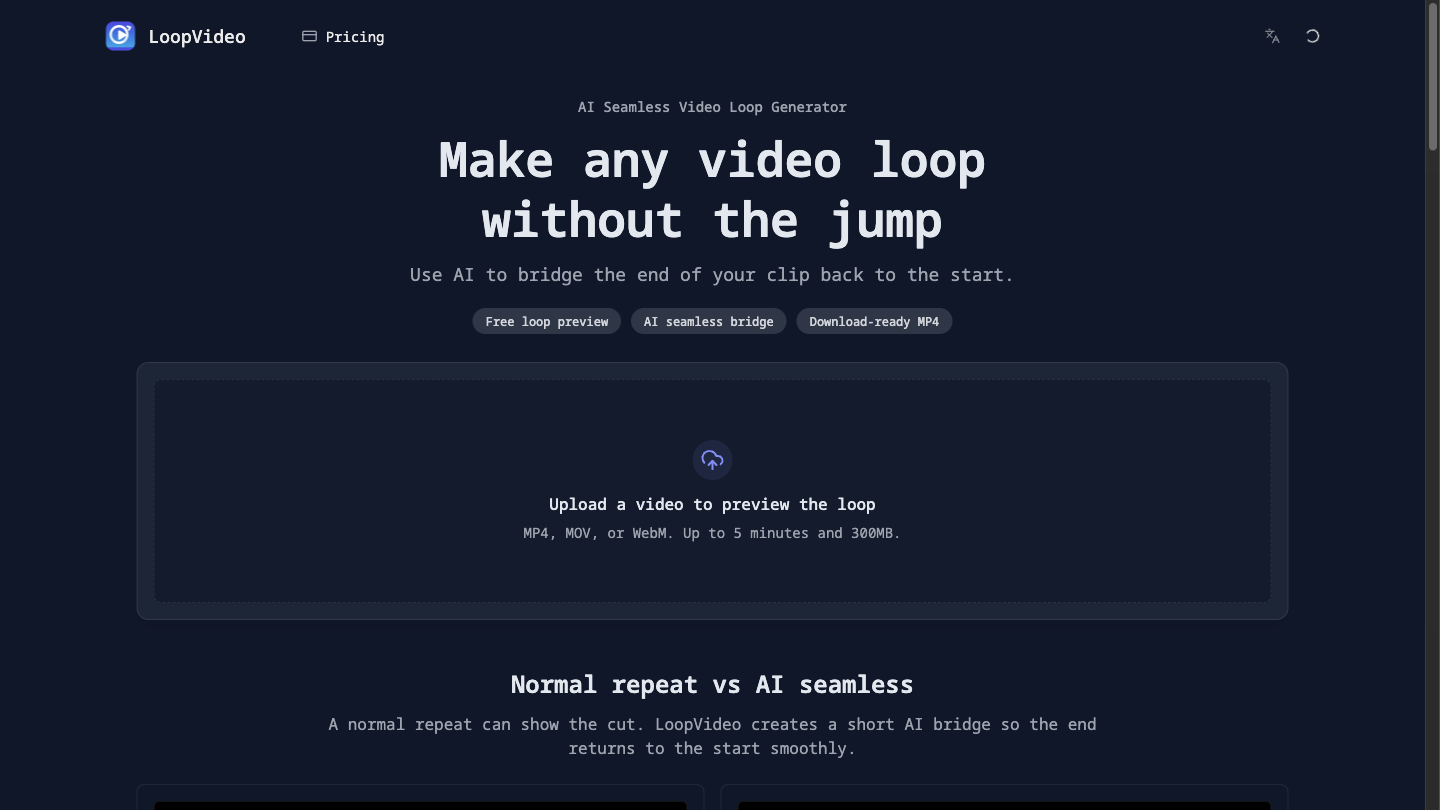
LoopVideo turns a short clip you upload into a smoother loop. Instead of letting the video jump from its last frame back to the first, it generates a short AI transition (about 5 seconds) that carries the ending back to the beginning, so the clip can repeat without a visible cut.
Free, no login: the standard loop preview and browser tools run locally in your browser — crop video, resize video, change speed, reverse, and video to GIF (MP4, MOV or WebM, up to 5 minutes and 300MB).
AI seamless loop: requires sign-in, and email accounts must be verified. New users get one free AI try, which is watermarked and for personal, non-commercial use; paid credits export without a watermark. Only frames extracted from the clip's start and end are sent for the AI step; the original upload stays in your browser. Results depend on the clip, so preview before you export.
Typical uses: looping website hero backgrounds, social clips that replay cleanly, stream overlays and product shots. Guide: how to make a video loop seamlessly.